
Project Updates, Roles & Permissions, and More
Project updates with Slack notifications, overhauled roles & permissions, public API, and display IDs
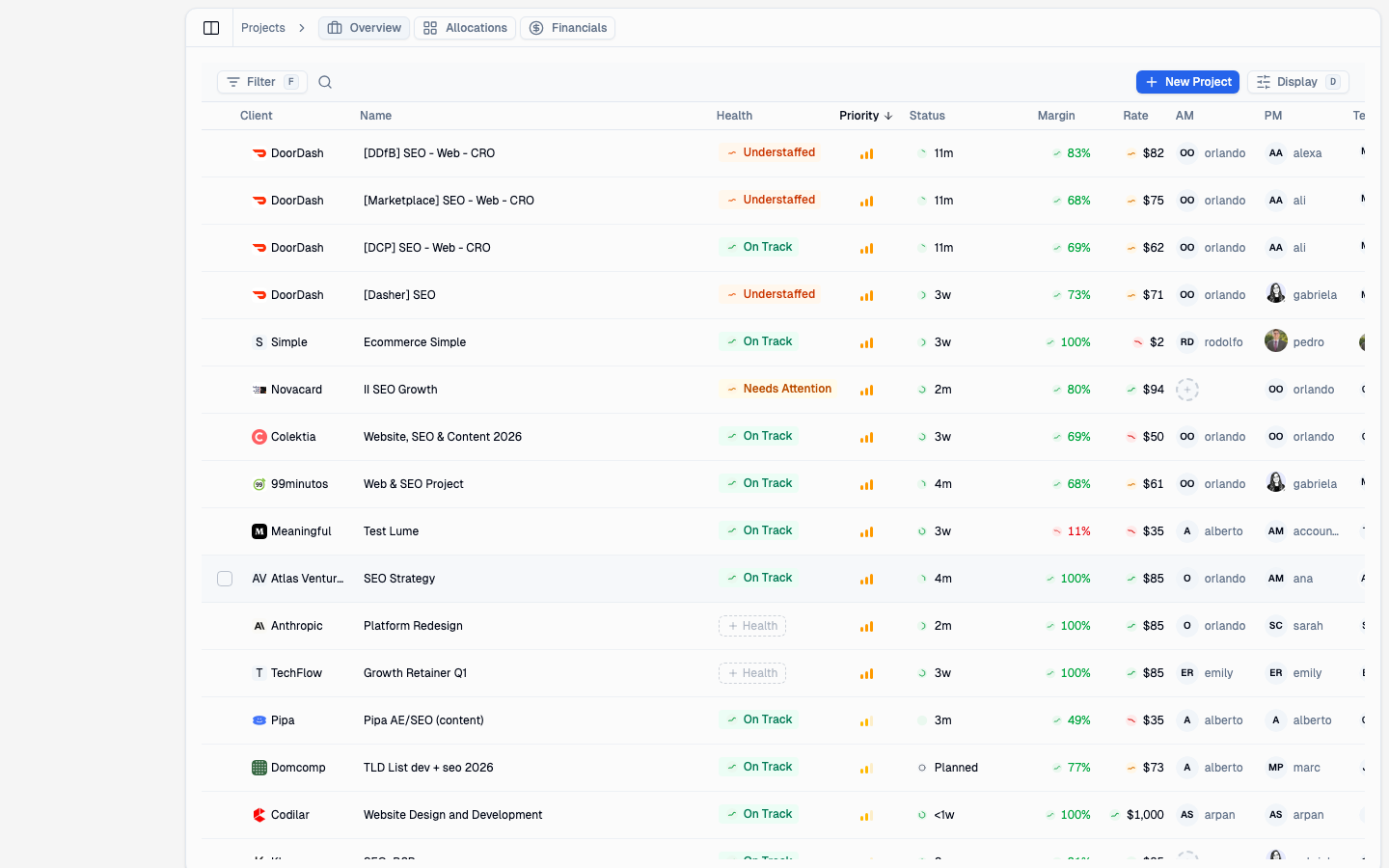
Project updates with Slack notifications, overhauled roles and permissions, a public API, and human-readable IDs across the board.
Project Updates
You can now post status updates directly on projects and keep your team in the loop.
- Project updates — write status updates visible to everyone on the project
- Slack notifications — updates are automatically posted to connected Slack channels
- Notification subscriptions — follow projects you care about and get notified of changes
Roles & Permissions
We've overhauled how access control works. The old manager role has been removed and replaced with a clearer set of four predefined roles, each with specific permissions:
- Owner — full access including role management
- Admin — full operational access, but cannot manage roles
- Finance — read access to projects and clients, plus full control over financial data (rates, margins, monthly summaries) — without access to people management
- User — basic access to view projects, clients, and team info, plus manage their own hours
Only owners can assign or change roles, keeping your access hierarchy secure.
Display IDs
Projects and clients now have human-readable IDs (like PRJ-042 and CLT-015) instead of long UUIDs. These show up everywhere — in URLs, search results, notifications, and emails — making it easier to reference and find things.
API
A public REST API is now available for building integrations with Supervisible.
- Org-scoped endpoints — access your organization's data programmatically
- Expand parameter — use
?expand=on any endpoint to include related data in a single request, reducing the number of API calls you need
Time Off
Approved time-off requests are now automatically announced in your designated Slack OOO channel, complete with @mentions so your team knows who's out and when.
- Slack OOO auto-post — approvals trigger an announcement in your chosen channel
- @mentions — the person taking time off is mentioned directly in the Slack message
Bug Fixes & Improvements
- Empty states — all views now show helpful guidance when there's no data yet, instead of blank pages
- Branded 404 page — a polished error page when you land on a page that doesn't exist
- Capability badges — redesigned with clearer visual hierarchy
- Cost settings backfill — updating a team member's hourly rate now correctly applies to their existing assignments
- Margin display — projects without cost data now show a clear "No cost data" label instead of a misleading +100% margin
- Pinned workload controls — filter and search controls stay fixed while you scroll through the workload table
- Email unsubscribe — marketing emails now include a one-click unsubscribe link
- Reply-to headers — all outgoing emails now include a reply-to address
- Time-off edit fix — editing a time-off request now correctly updates the existing entry instead of creating a duplicate