
15 Best Workload Management Tools and Software in 2026
Compare 15 top workload management tools and software for 2026: pricing, features, and limitations, to help your team plan capacity and hit deadlines.
Managing a team's workload is one of the hardest parts of running a service business. Miss the early signs of an overloaded team and deadlines slip, quality drops, and good people burn out and leave. According to Asana's Anatomy of Work Index, knowledge workers spend roughly 60% of their time on "work about work," things like status updates, hunting for documents, and switching between tools, rather than the actual work they were hired to do. The right workload management tools fix this by giving you a clear, real time workload view of who is doing what, how much capacity your team has left, and where the bottlenecks are before they turn into missed deadlines.
Whether you are a project manager juggling resource allocation across five accounts, an operations lead trying to prevent burnout on your team, or an agency owner watching resource utilization and profitability, this guide breaks down the 15 best workload management tools and software for 2026, so you can find the one that fits how your team actually works.
What Is a Workload Management Tool?
A workload management tool is software that shows you who is working on what, and how much capacity they have left, so you can assign, rebalance, and reschedule work before anyone gets overloaded. It is a close cousin of task management software, but the two solve different problems. Task management tools, including basic kanban boards, answer "what needs to get done."
Workload management tools answer "who has room to do it," by layering capacity planning, time tracking, and resource scheduling on top of the task list.
Most of the tools below started as general project management software or task management tools and added workload views over time. A handful, including Supervisible, were built around workload and capacity management from day one.
How We Evaluated These Tools
This list is built around four criteria that matter most for teams managing workload day to day: the depth of workload and capacity planning strategies baked in, not just a task list with a progress bar; pricing transparency; how easy the tool is for non-technical teams to adopt; and fit for agencies and service businesses specifically, since that is who feels workload management pain the most. Where a tool has a real limitation, we call it out below instead of only listing the upside.
Top 15 Workload Management Tools and Software Compared
| Tool | Key Features | Pricing | Best For |
|---|---|---|---|
| Motion | AI-powered scheduling, task prioritization, calendar integrations, adaptive rescheduling | $19/user/mo (7-day trial) | Teams with constantly shifting priorities |
| Smartsheet | Gantt charts, resource planning, capacity planning, workflow automation | $7/user/mo | Spreadsheet-native teams, complex projects |
| Kantata | Resource management, resource forecasting, project profitability tracking, billable hours | Custom pricing | Professional service firms, consulting agencies |
| Supervisible | Capacity management, PTO tracking, client allocation planning, financial forecasting, profitability insights | Request early access | Marketing agencies, dev firms, consulting businesses |
| Monday.com | Custom fields, workload view, workflow automation, goal tracking | $8/user/mo | Visual, customizable workflow teams |
| Float | Resource scheduling, time tracking, resource forecasting, PTO management | $6/user/mo | Creative agencies, design studios |
| Asana | Workload view, task dependencies, portfolio management, progress tracking | Free / $10.99/user/mo | Task-focused teams, visual timelines |
| Teamhood | Kanban boards, resource allocation, capacity planning, hierarchical tasks | Free / $9/user/mo | Visual, agile teams |
| Jira | Kanban boards, sprint planning, capacity balancing, task dependencies | $7.75/user/mo | Software development teams |
| ClickUp | Workload view, custom fields, subtasks, recurring tasks, time tracking | Free / $5/user/mo | All-in-one productivity tool seekers |
| Wrike | Resource management, resource utilization reporting, portfolio management, bottleneck ID | Free / $9.80/user/mo | Enterprise organizations |
| ProofHub | Resource allocation, time tracking, Gantt charts, collaboration features | $45–$89/mo flat, unlimited users | Growing teams, predictable pricing |
| Trello | Kanban boards, Power-Ups, calendar view, workflow automation | Free / $5/user/mo | Teams new to project management tools |
| Microsoft Project | Gantt charts, resource scheduling, task dependencies | $10/user/mo | Microsoft-ecosystem organizations |
| Toggl Plan | Workload visualization, resource planning, timeline view | $8/user/mo | Small to mid-sized teams |
1. Motion
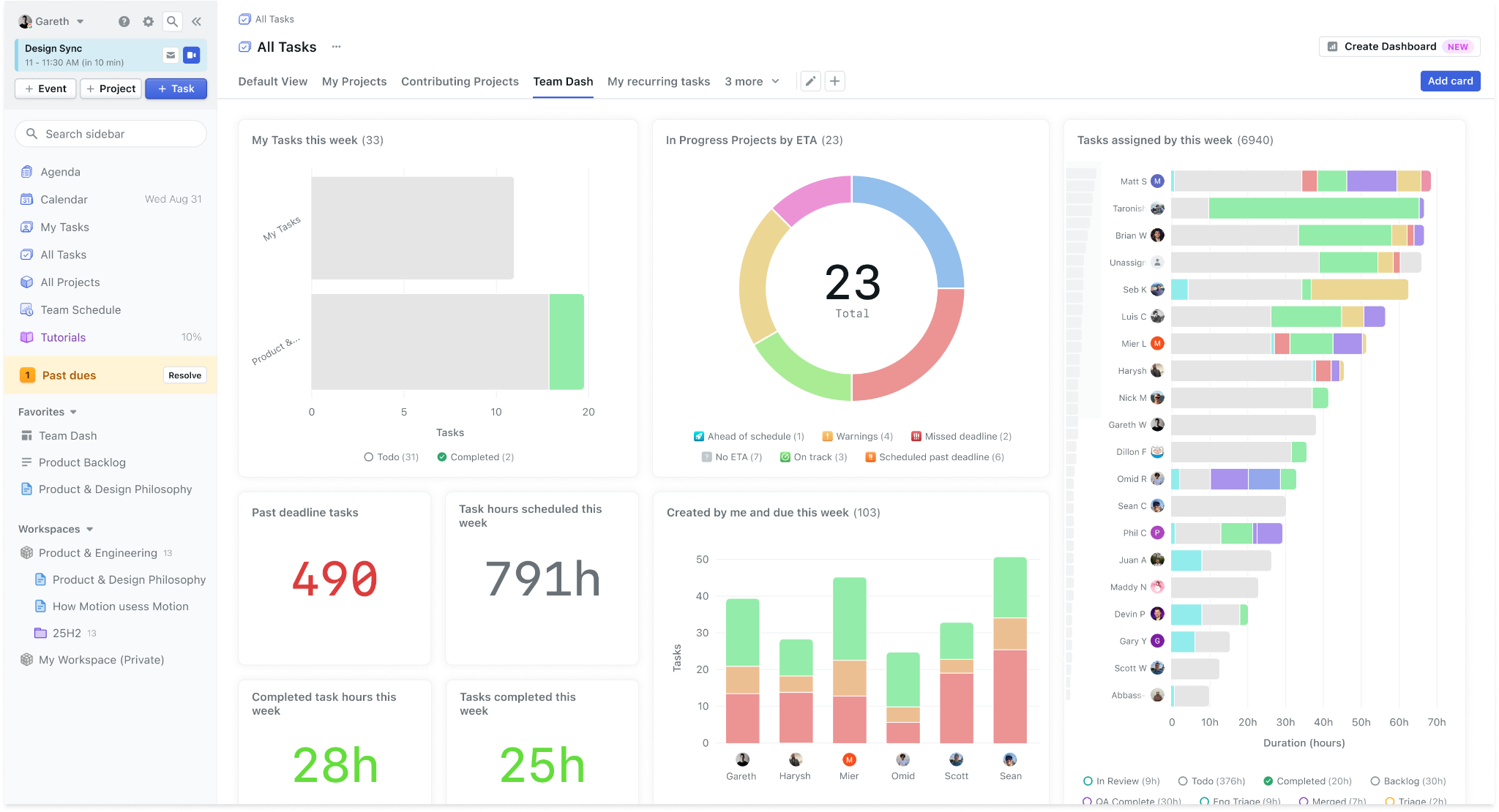
Motion uses AI-powered scheduling to automatically build your calendar around task prioritization and shifting deadlines, with adaptive rescheduling when priorities change.
Limitation to know: the automation is powerful but can feel rigid for teams with highly manual, judgment-heavy workflows where a human still needs to make the final call on sequencing.
Pricing: from $19/user/month, 7-day free trial.
Best for: individuals and small teams with constantly shifting priorities.
2. Smartsheet
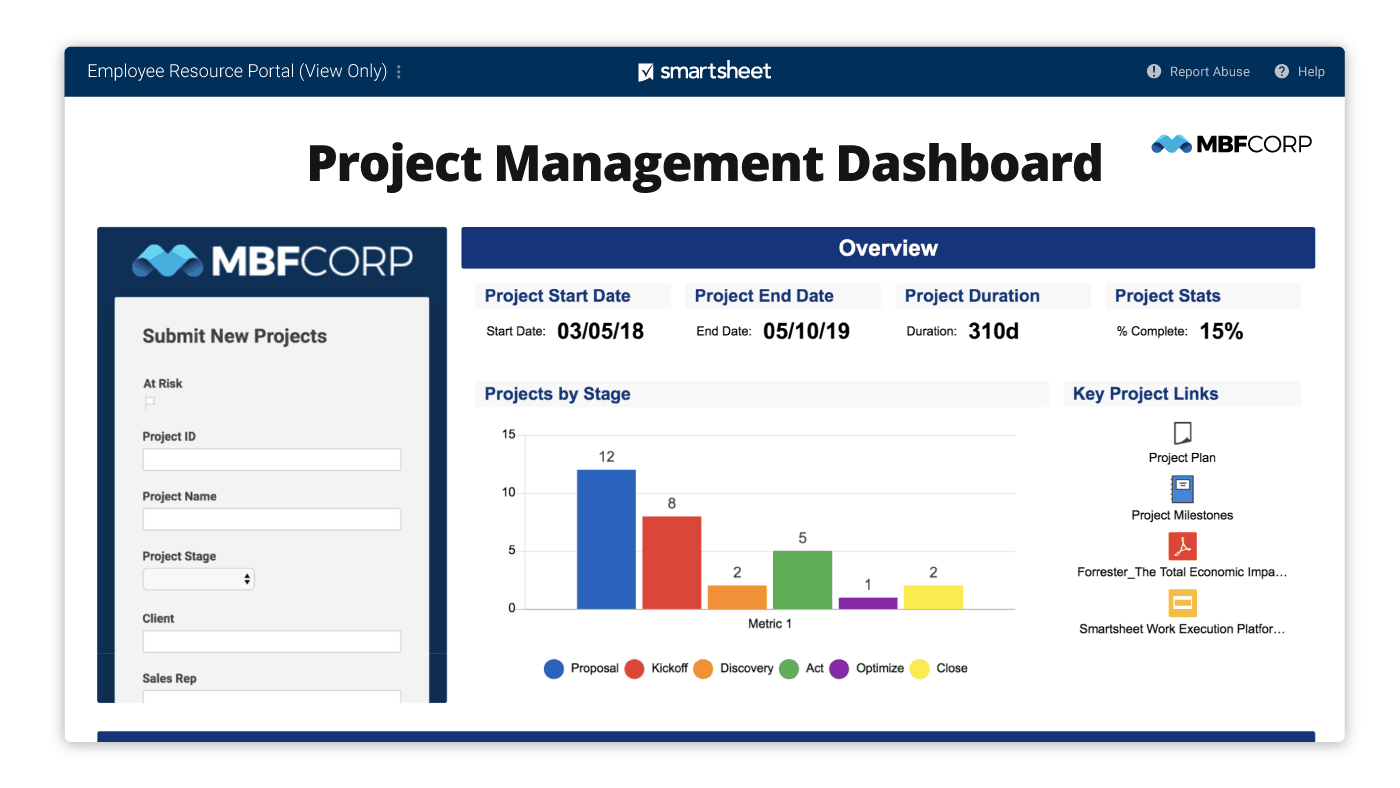
Smartsheet takes a spreadsheet-first approach, with gantt charts, resource planning, capacity planning, and workflow automation layered on top of a familiar grid interface.
Limitation to know: flexibility comes with a learning curve, and teams that have not yet escaped the spreadsheet trap of manual updates often need more onboarding time than with a purpose-built workload view.
Pricing: from $7/user/month.
Best for: teams already comfortable in spreadsheets, running complex projects with dependencies.
3. Kantata
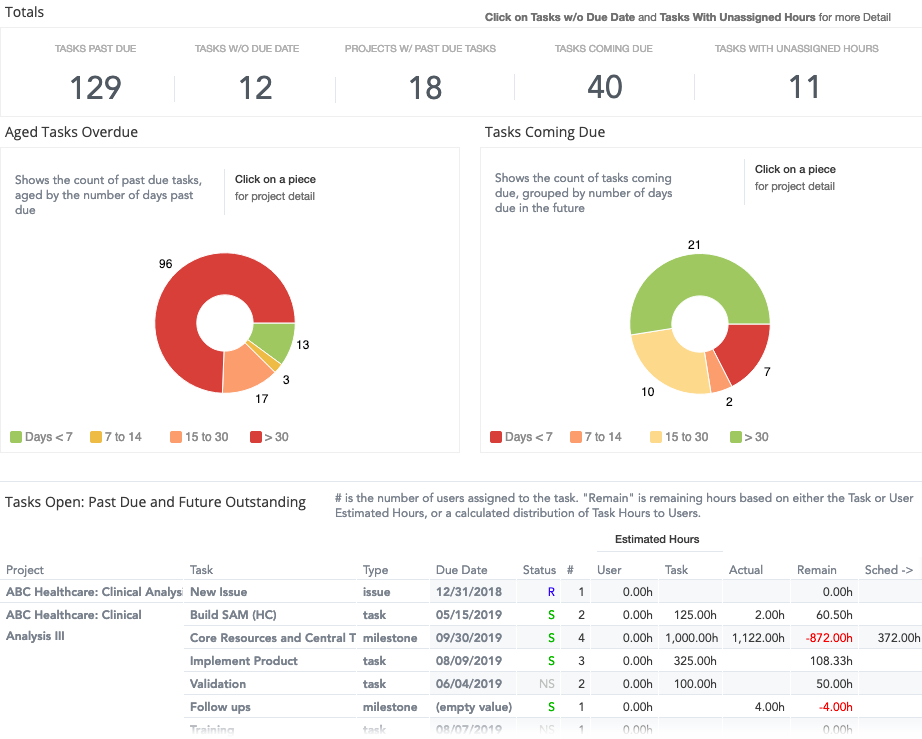
Kantata (formerly Mavenlink) is built for professional service firms, with deep resource management, resource forecasting, and project profitability tracking tied to billable hours.
Limitation to know: it is a heavier, pricier platform aimed at larger agencies and consultancies; smaller teams often find it more tool than they need.
Pricing: custom pricing.
Best for: professional service firms and consulting agencies tracking billable hours and margin closely.
4. Supervisible
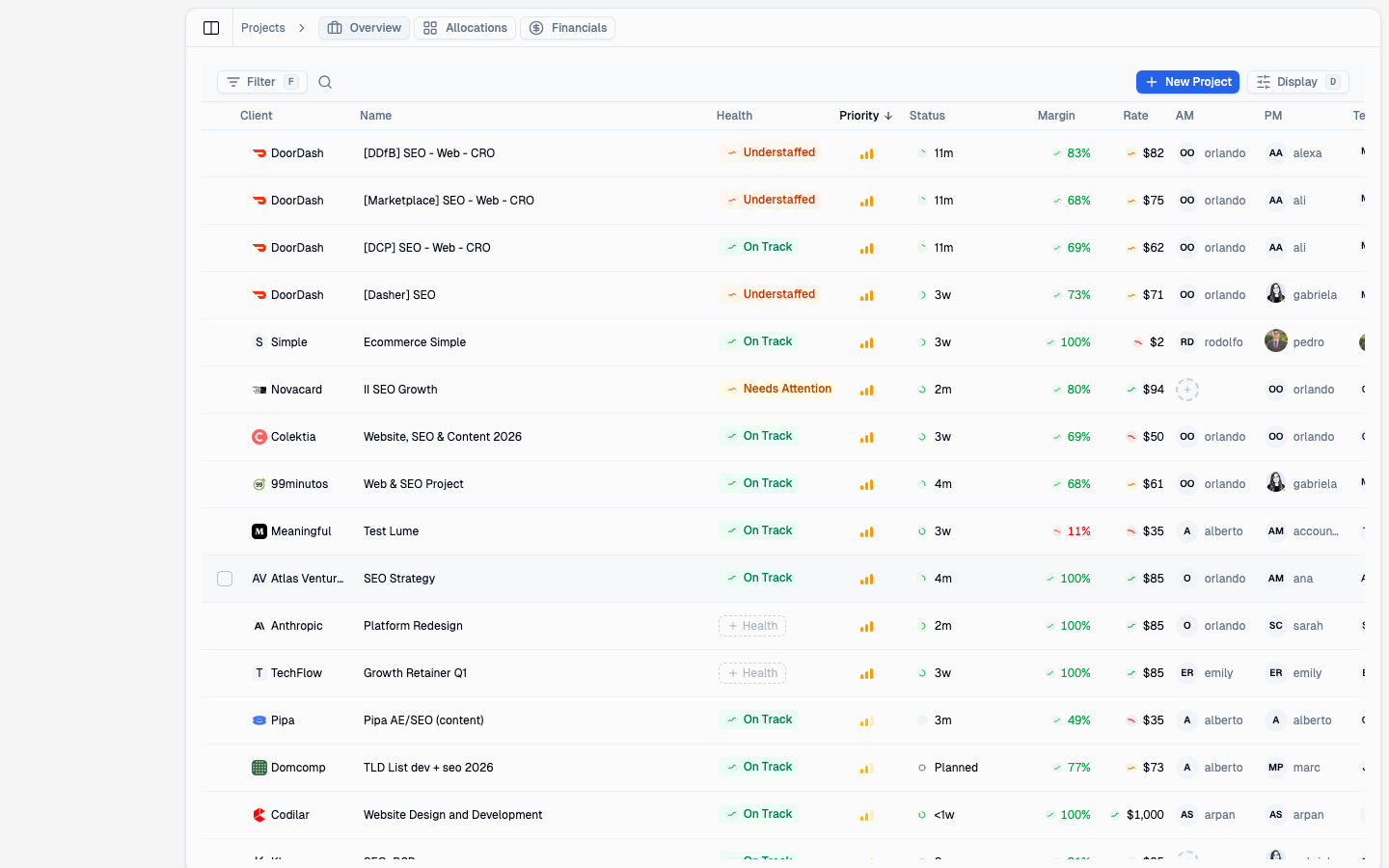
Supervisible is workload management software built specifically for agencies and service businesses that need capacity management, PTO tracking, and financial forecasting in one place, not three disconnected spreadsheets. It pairs a real time workload view with profitability insights tied to resource allocation, so you can see burnout risk and margin risk on the same screen.
Limitation to know: Supervisible does not try to replace your project management tools or task management tools; it is built to sit alongside them and handle the capacity and financial side, so teams who want a single all-in-one productivity tool for tasks and workload in one app may want a broader platform instead.
Pricing: request early access.
Best for: marketing and creative agencies, web development firms, and consulting businesses managing billable hours and resource planning.
5. Monday.com
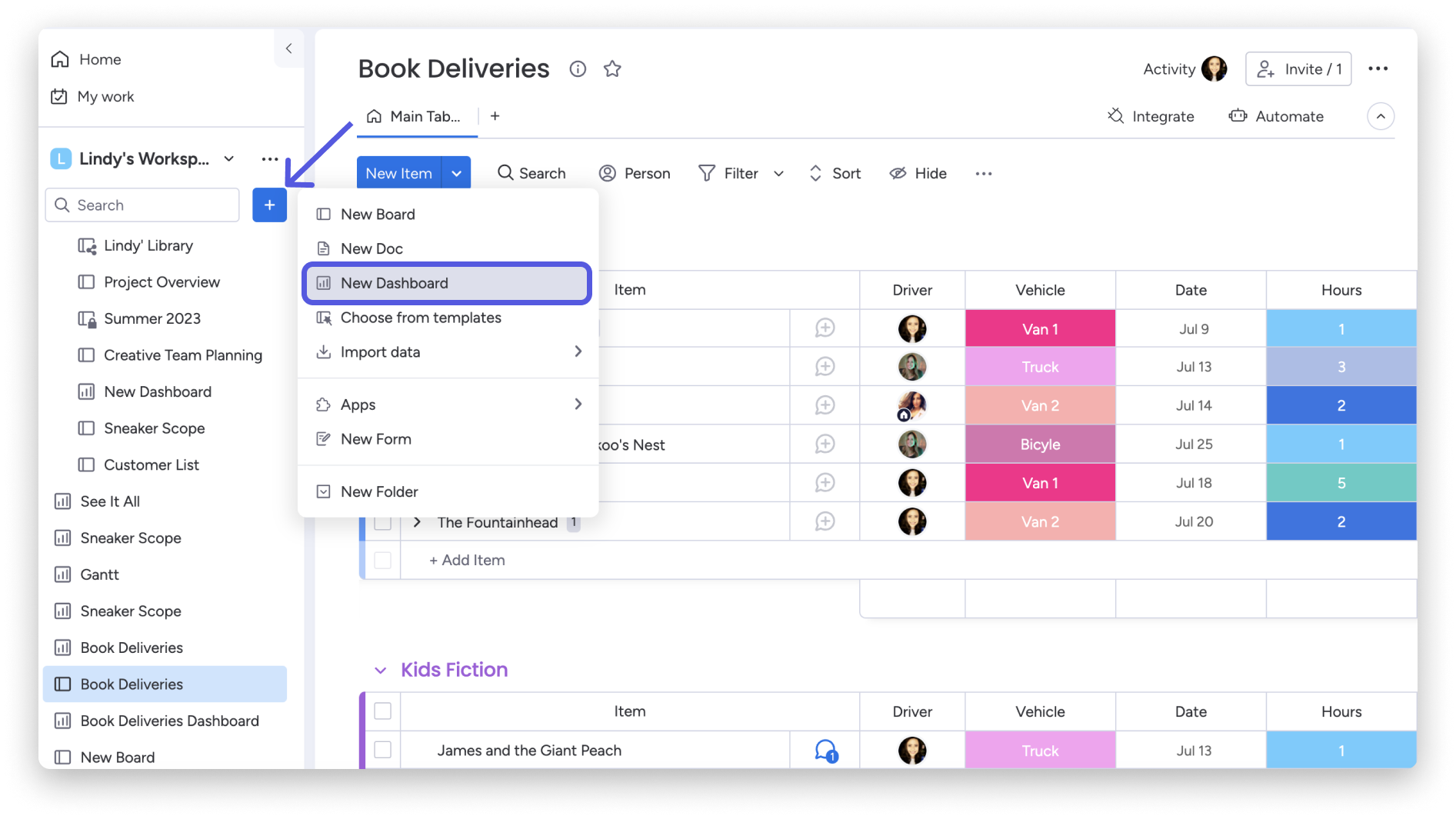
Monday.com offers a highly customizable workload view, with custom fields, workflow automation, and goal tracking built on a visual, colorful interface.
Limitation to know: that same customizability means teams can over-build their setup; without discipline, workspaces can get cluttered fast.
Pricing: from $8/user/month.
Best for: teams that want a visual, customizable project management software with strong automation.
6. Float
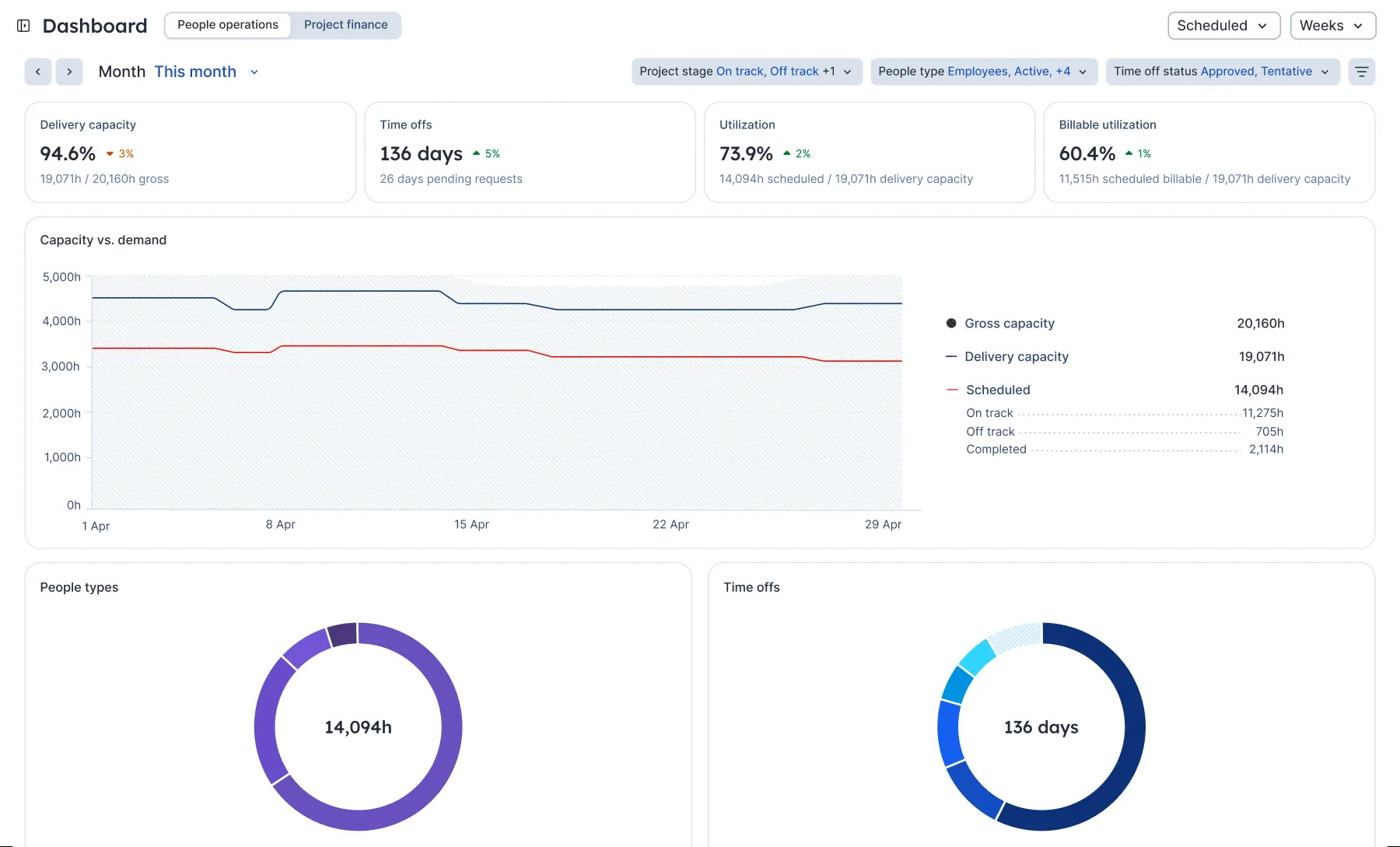
Float focuses on resource scheduling and time tracking, with a clean, drag-and-drop workload view and solid resource forecasting for PTO and project capacity.
Limitation to know: Float is intentionally lighter on task management, subtasks, and task dependencies, so teams that need deep task detail alongside scheduling often pair it with another tool.
Pricing: from $6/user/month.
Best for: creative agencies and design studios that want straightforward resource scheduling.
7. Asana
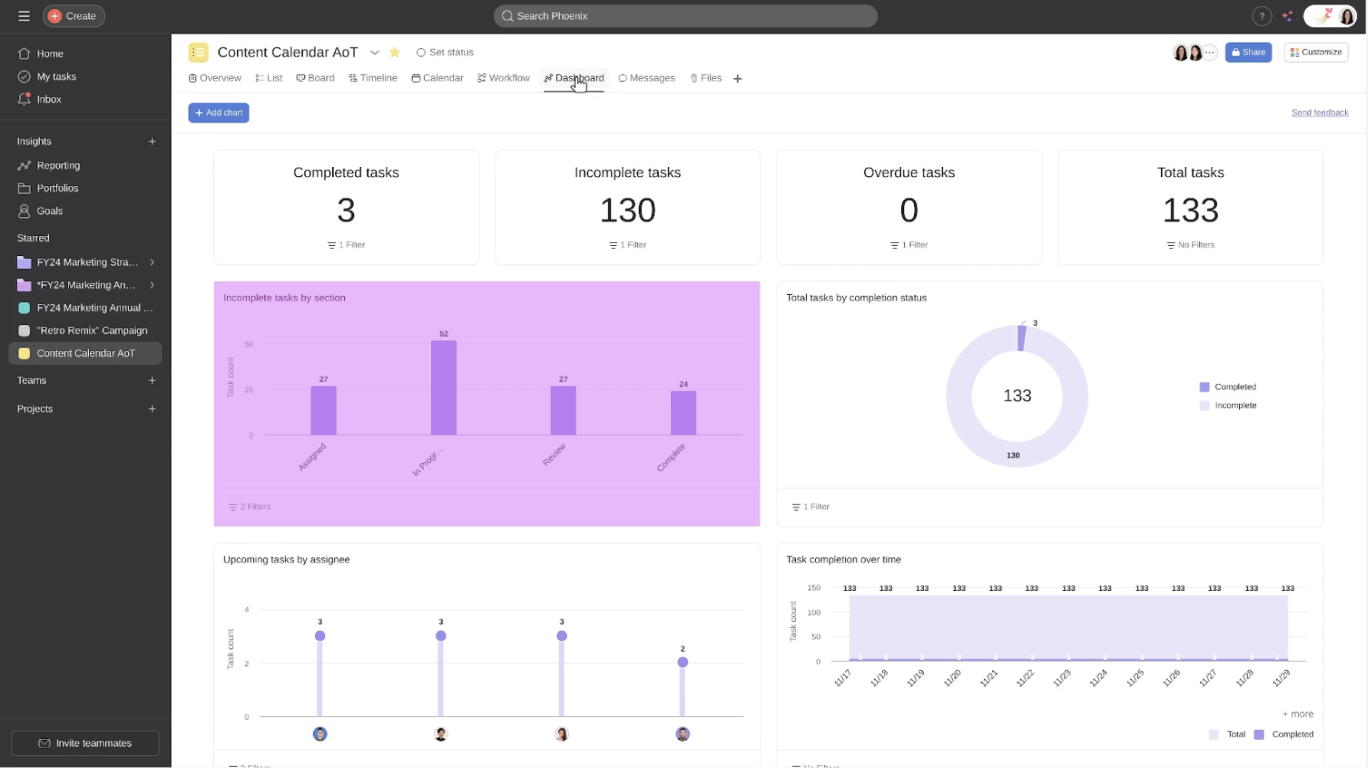
Asana's workload view shows task dependencies and portfolio management alongside timeline and progress tracking, all inside a widely adopted project management tool.
Limitation to know: workload data lives mostly at the individual task level, so getting a true financial or capacity forecast still takes some manual rollup work.
Pricing: free plan; premium from $10.99/user/month.
Best for: task-focused teams that want visual timelines and roadmaps.
8. Teamhood
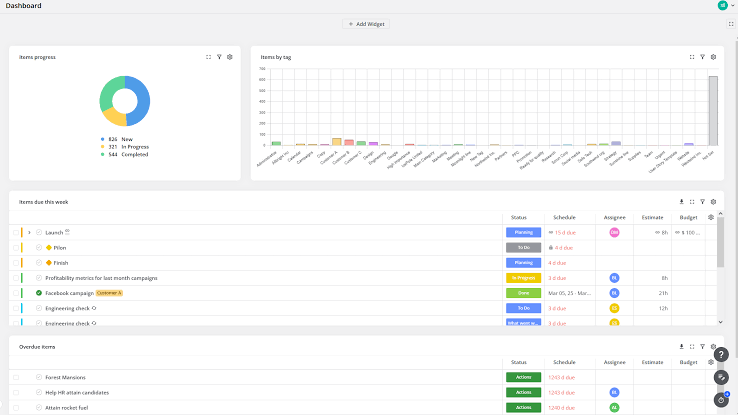
Teamhood combines kanban boards with resource allocation and capacity planning, using hierarchical task structures for more complex, multi-level projects.
Limitation to know: the interface leans utilitarian compared to more polished competitors, which can slow initial adoption for less technical teams.
Pricing: free plan; premium from $9/user/month.
Best for: visual, agile teams managing layered task structures.
9. Jira
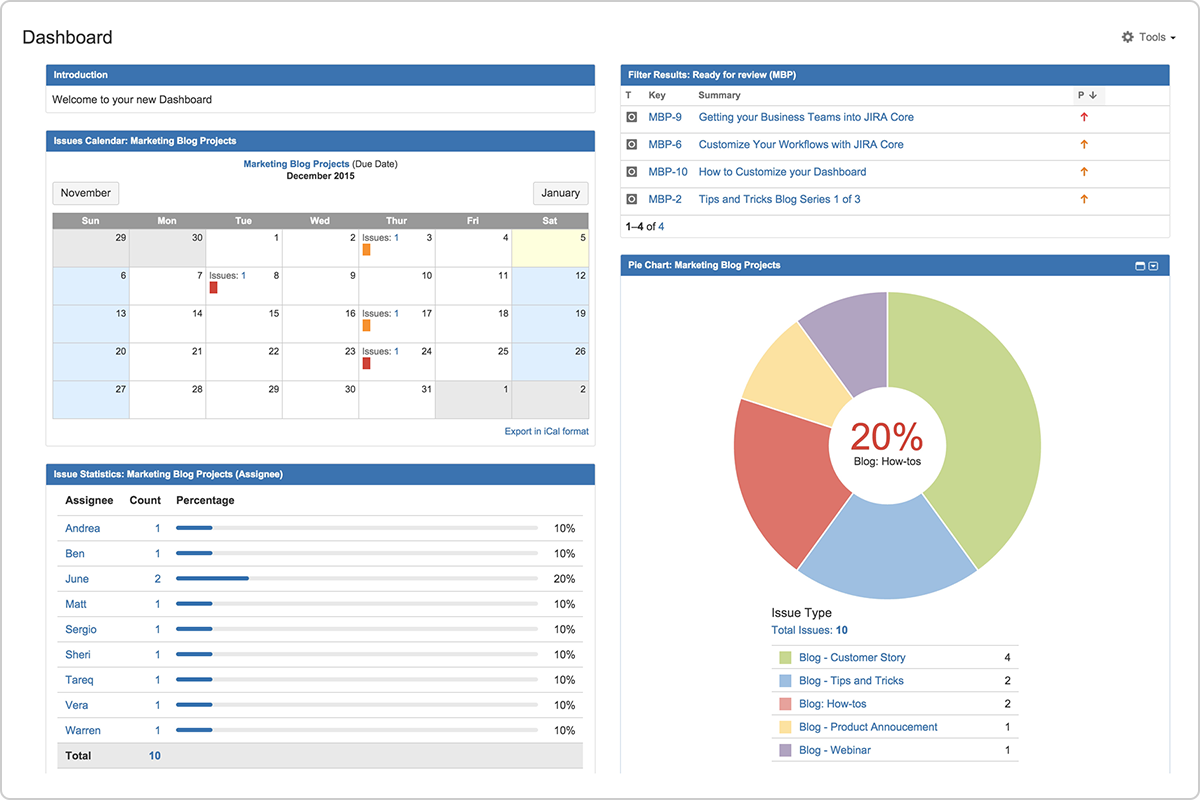
Jira remains the standard for software teams, with kanban boards, sprint planning, capacity balancing, and task dependencies built for agile workflows.
Limitation to know: workload view is built for developers first; non-technical teams often find the interface and terminology harder to adopt than purpose-built workload tools.
Pricing: from $7.75/user/month.
Best for: software development teams already in the Atlassian ecosystem.
10. ClickUp
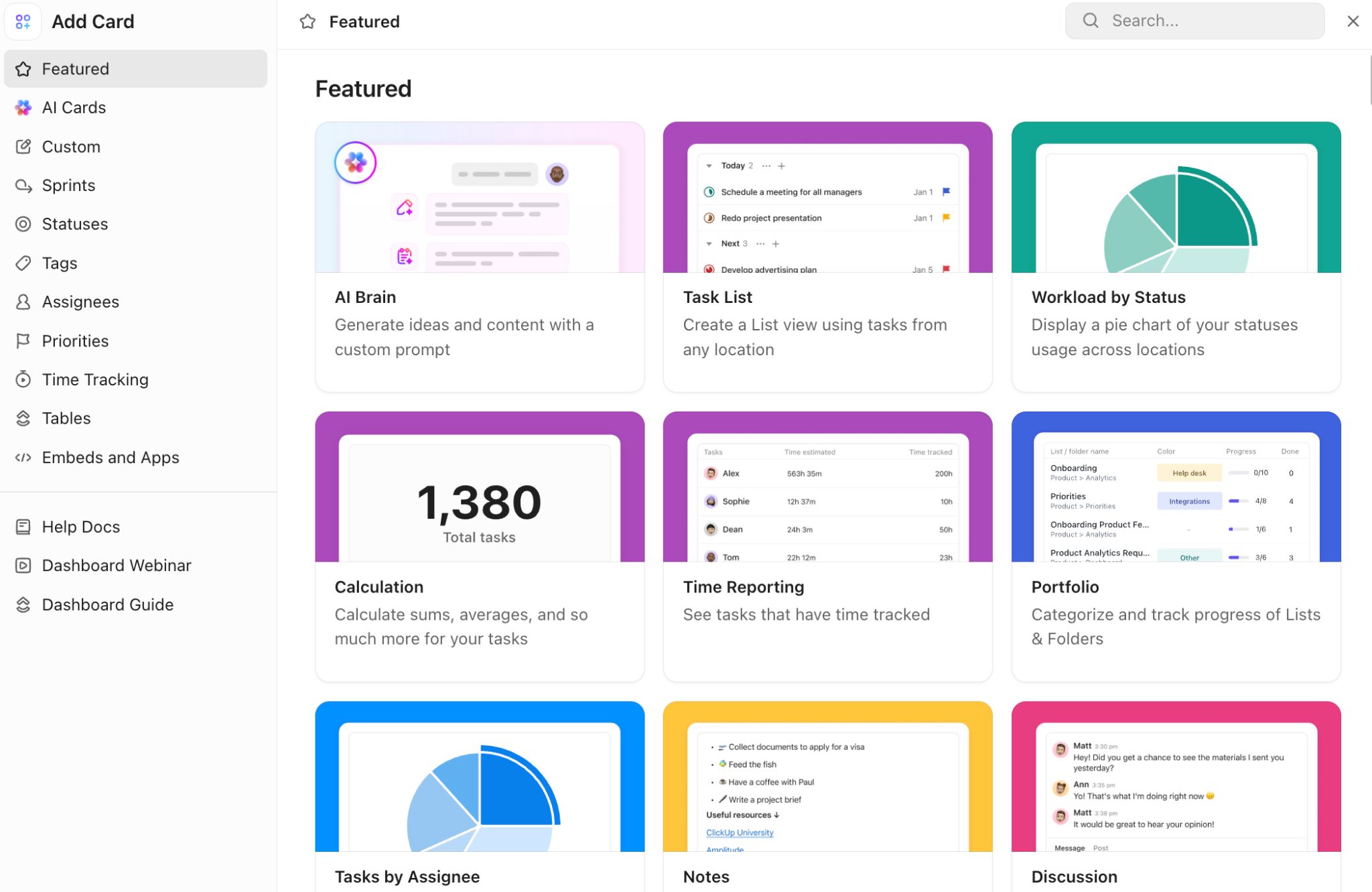
ClickUp packs a workload view, custom fields, subtasks, recurring tasks, and time tracking into one all-in-one productivity tool with multiple view options.
Limitation to know: the sheer number of features and settings can be overwhelming at first, and teams sometimes need a dedicated onboarding push to avoid under-using it.
Pricing: free plan; premium from $5/user/month.
Best for: teams that want one flexible tool for tasks, docs, and workload together.
11. Wrike
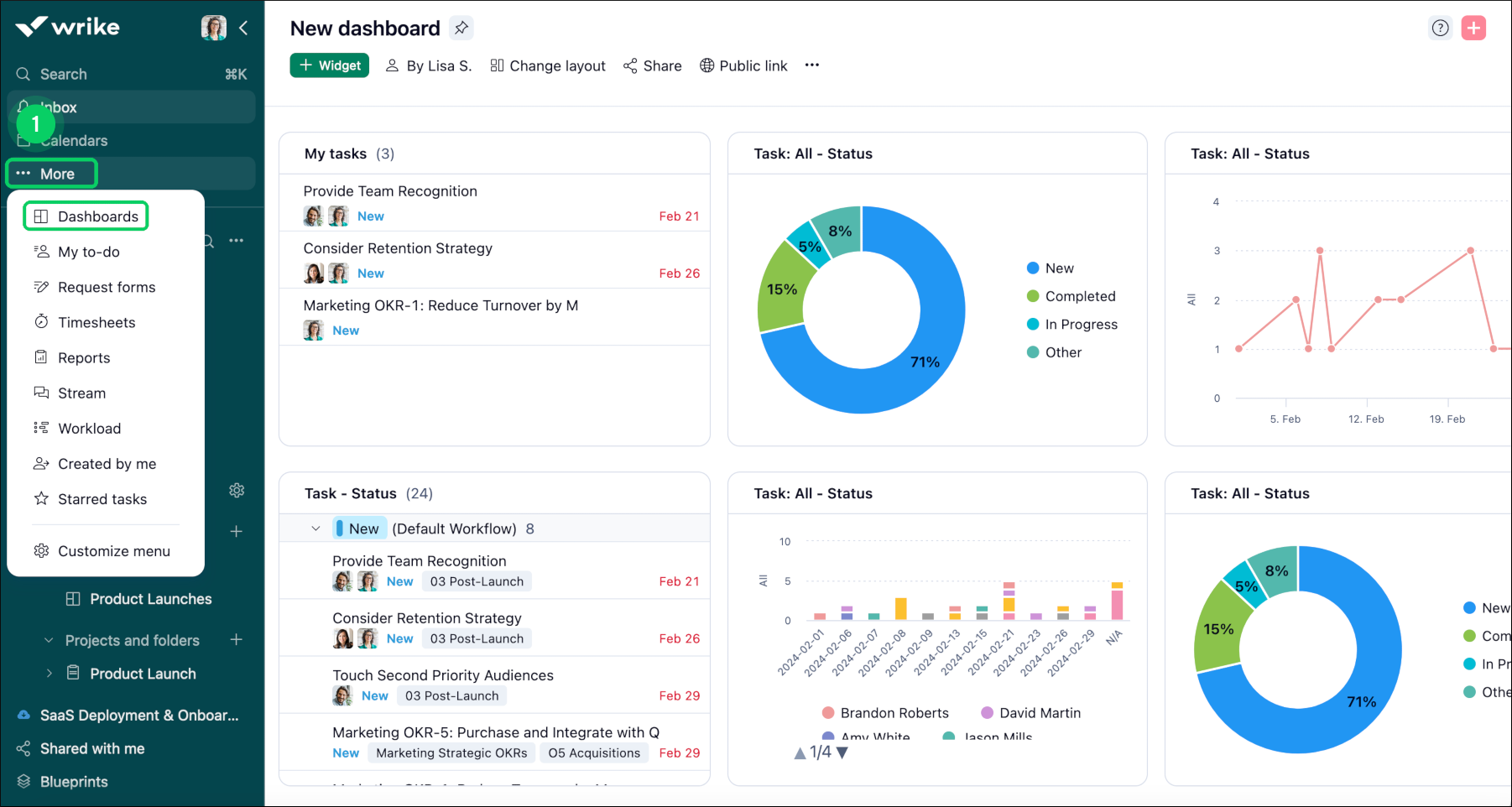
Wrike offers strong resource management, with resource utilization reporting, portfolio management, and bottleneck identification built for larger, more complex organizations.
Limitation to know: the depth that enterprise teams need can feel like overkill, and pricier, for a small agency running a handful of active projects.
Pricing: free plan; premium from $9.80/user/month.
Best for: enterprise organizations with complex security and reporting needs.
12. ProofHub
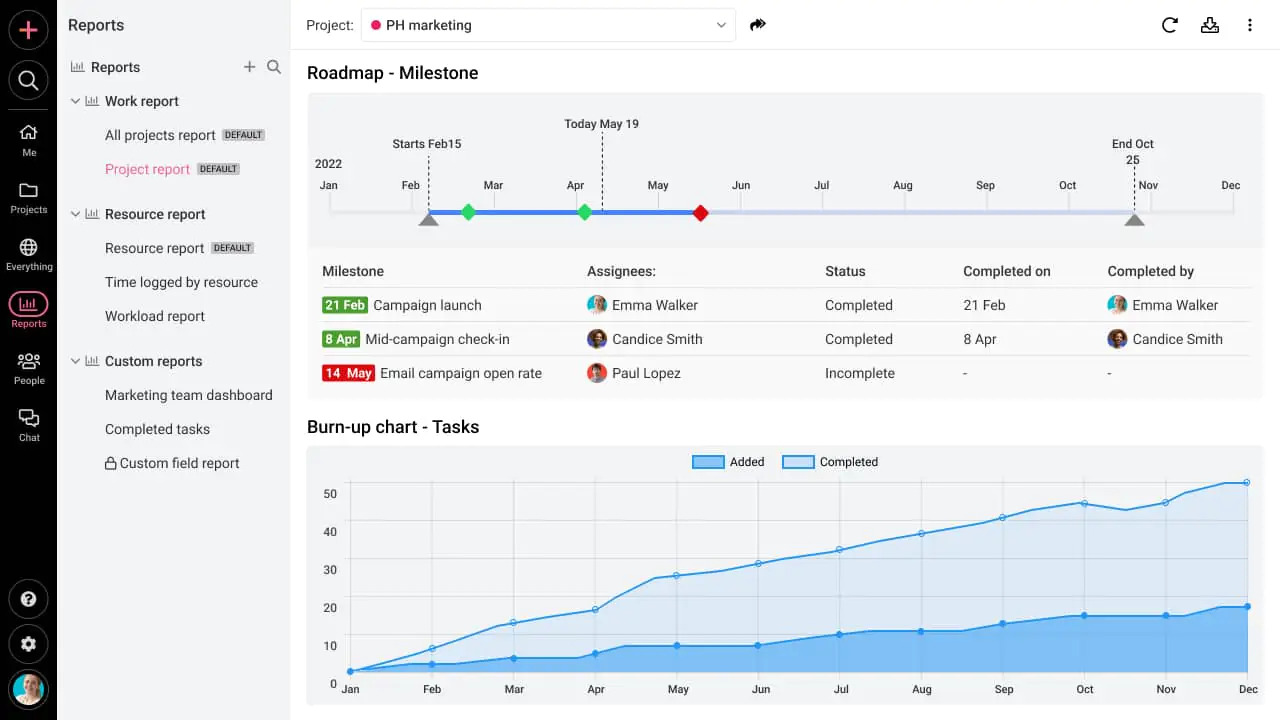
ProofHub bundles resource allocation, time tracking, gantt charts, and collaboration features under a single flat monthly price instead of per-user billing.
Limitation to know: flat pricing is a plus for larger teams, but very small teams may end up paying more per person than they would on a per-seat plan elsewhere.
Pricing: $45–$89/month, unlimited users.
Best for: growing teams that want predictable, flat pricing across multiple projects.
13. Trello
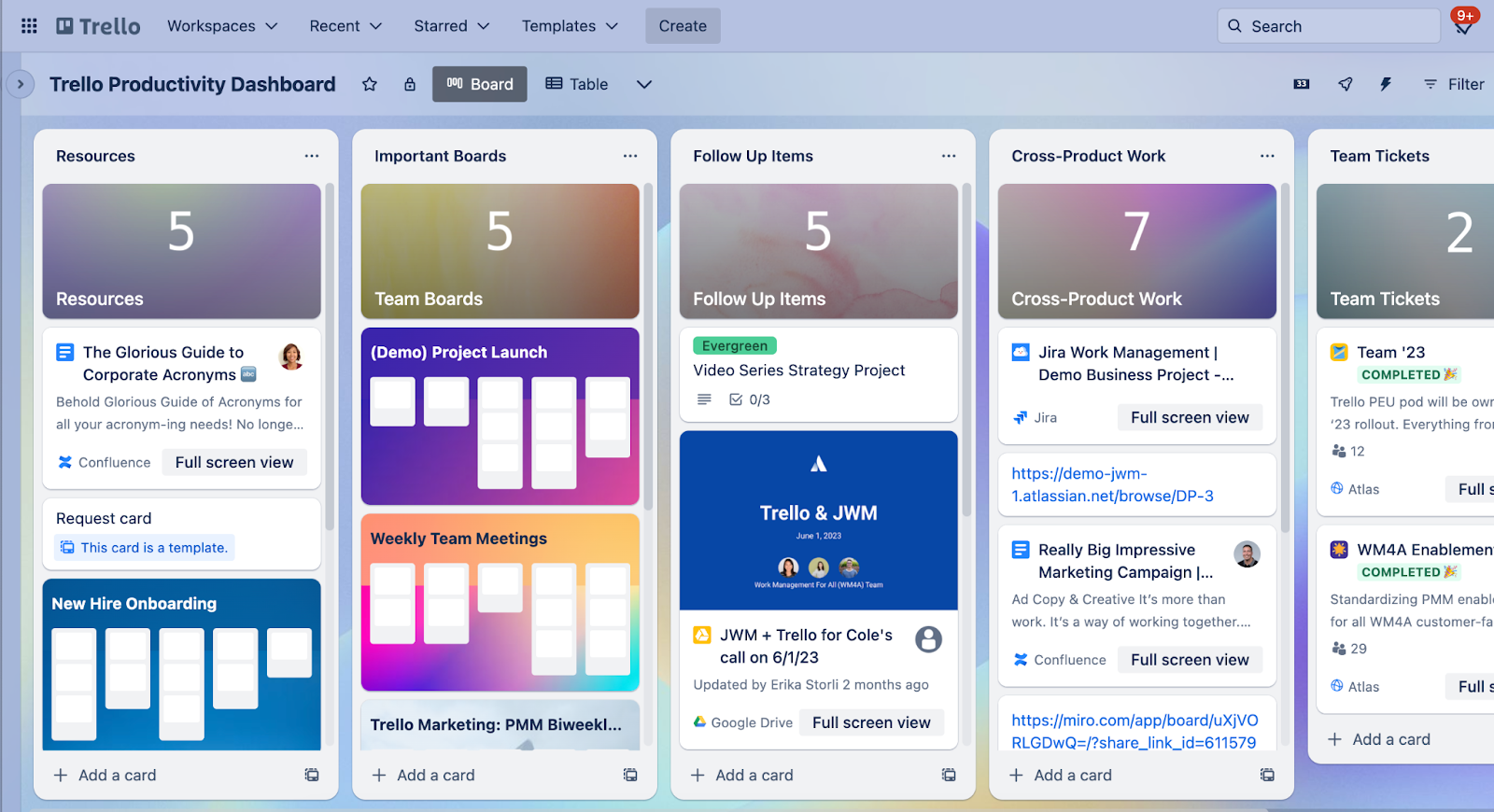
Trello's kanban boards are easy to adopt, and Power-Ups can add resource allocation and workflow automation on top of the core board.
Limitation to know: workload visualization is not native; you are relying on add-ons rather than a built-in capacity view, which limits how far it scales for true workload management.
Pricing: free plan; premium from $5/user/month.
Best for: teams new to project management software and simple workflows.
14. Microsoft Project
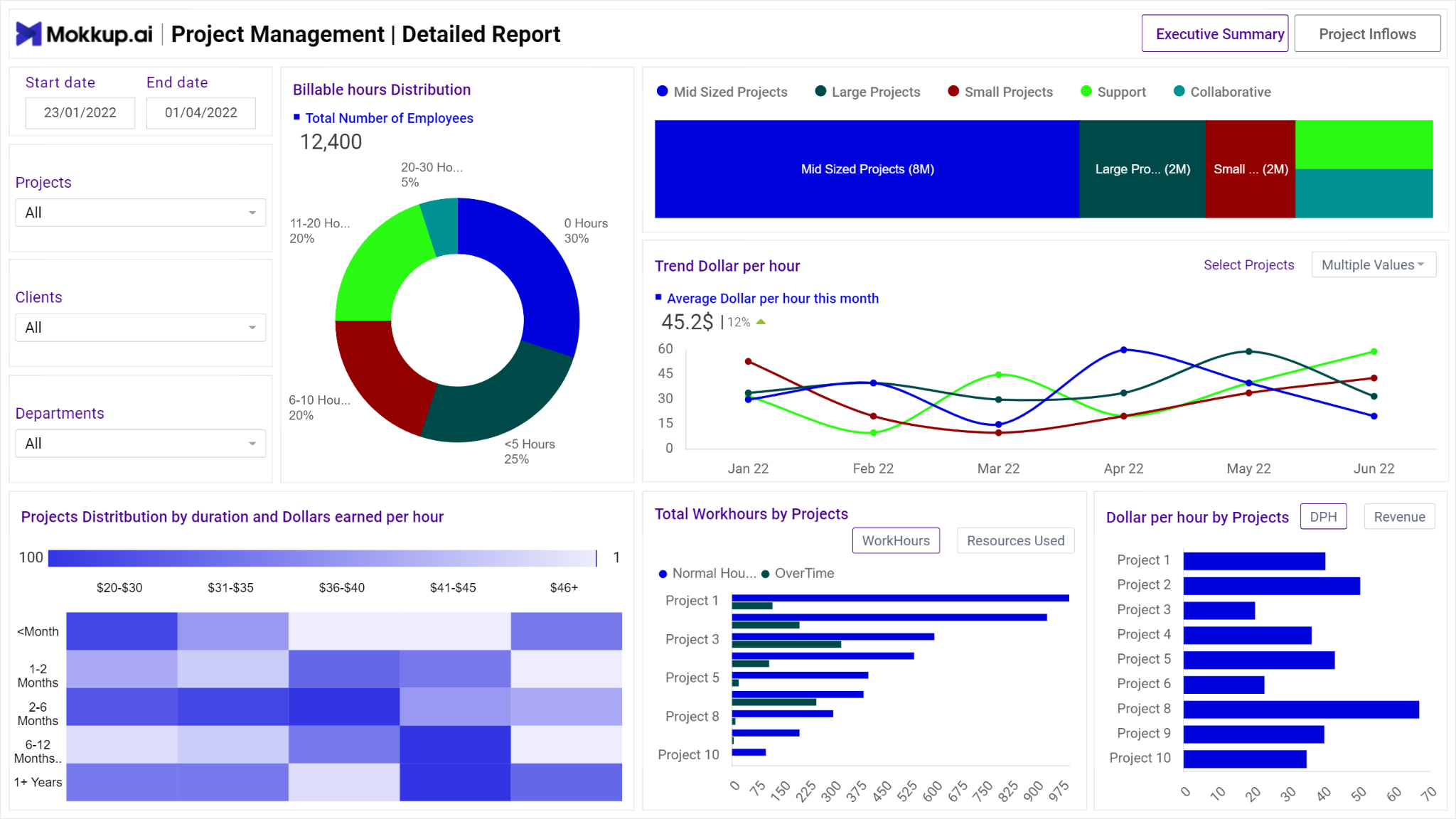
Microsoft Project offers detailed gantt charts, resource scheduling, and task dependencies for organizations already invested in the Microsoft ecosystem.
Limitation to know: it is a traditional, complex tool built for dedicated project managers rather than lightweight day-to-day workload balancing across a whole team.
Pricing: from $10/user/month.
Best for: organizations managing complex projects with heavy dependency mapping.
15. Toggl Plan
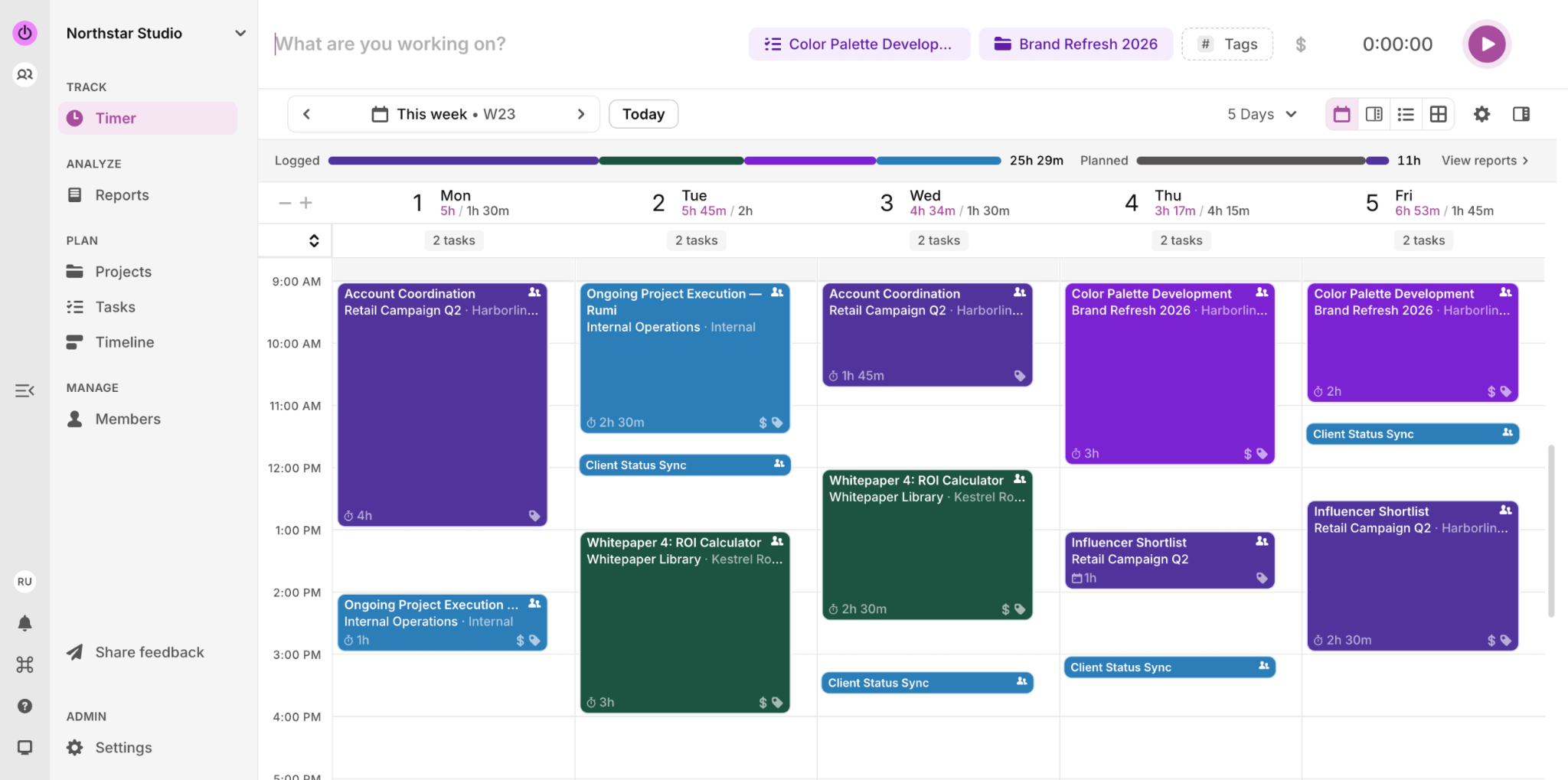
Toggl Plan pairs a simple, colorful timeline view with workload visualization and resource planning, built for straightforward day-to-day workload planning rather than heavy project execution, and connects directly to Toggl Track for time tracking.
Limitation to know: it intentionally skips deeper project management features like task dependencies, so it suits planning and scheduling more than full project execution.
Pricing: from $8/user/month.
Best for: small to mid-sized teams that want simple, visual resource planning without complexity.
What to Look for in a Workload Management Tool
- Resource allocation and scheduling: can you make task assignments based on skills, availability, and current capacity, not just who is free right now.
- Workload visibility: does the workload view actually show overallocation at a glance, or do you have to dig for it.
- Capacity planning: can the tool flag when someone is approaching their limit before it becomes a missed deadline.
- Time tracking and progress tracking: does logged time roll up into useful resource utilization data.
- Integrations: does it connect to your calendar, communication tools, and CRM, so data does not live in a silo.
- Customization: custom fields, subtasks, recurring tasks, and multiple views, so the tool adapts to how your team already works.
- Reporting: can you actually get resource forecasting and capacity data out, not just task status.
Paid vs. Free Workload Management Tools
If budget is the main constraint, ClickUp, Trello, Wrike, Teamhood, and Asana all have genuinely usable free tiers for small teams.
What you typically give up on a free plan is deeper capacity planning, resource forecasting, and advanced reporting, the exact features that matter most once your team grows past a handful of people and workload management stops being something you can track in your head.
Benefits of Using Workload Management Tools
- More accurate project schedules, because you are planning around real capacity instead of guesses.
- Fairer workload balancing, which helps prevent burnout and improves retention.
- Better team collaboration, since everyone can see the same workload view instead of chasing status updates.
- Higher resource utilization, by surfacing underused capacity before you hire or outsource.
- Better decisions, backed by real progress tracking and reporting instead of gut feel.
Frequently Asked Questions
What is the difference between workload management and project management software?
Project management software and project management tools track what needs to get done and by when. Workload management tools layer capacity planning and resource allocation on top, so you also know who has room to take on the work.
What is the best workload management tool for a small agency?
For agencies and service businesses specifically, Supervisible is built around capacity management, PTO tracking, and profitability, rather than being a general project management tool with a workload view bolted on.
Are there free workload management tools?
ClickUp, Trello, Wrike, Teamhood, and Asana all offer usable free tiers, though free plans typically cap seats and leave out deeper capacity planning and resource forecasting features.
How do workload management tools help prevent burnout?
By making overallocation visible before it happens. A clear workload view lets managers rebalance task assignments early, instead of discovering a team member is overloaded only after they miss a deadline or ask for help.
Ready to See Your Agency's Real Capacity?
If you are running a marketing agency, dev shop, or consulting business and you are still piecing together resource allocation and capacity planning across spreadsheets, project management tools, and a separate PTO tracker, that patchwork is exactly what causes missed deadlines and margin surprises.
Supervisible combines workload visibility, team capacity planning, and profitability insights in one workload management software built for 10 to 50 person service teams. See your team's real capacity and start your free trial today.
Know Your Capacity. Grow Your Profit.